I blamed wireless Android Auto for my phone's battery drain until I found the real problem
I was looking at the wrong culprit
Android Police
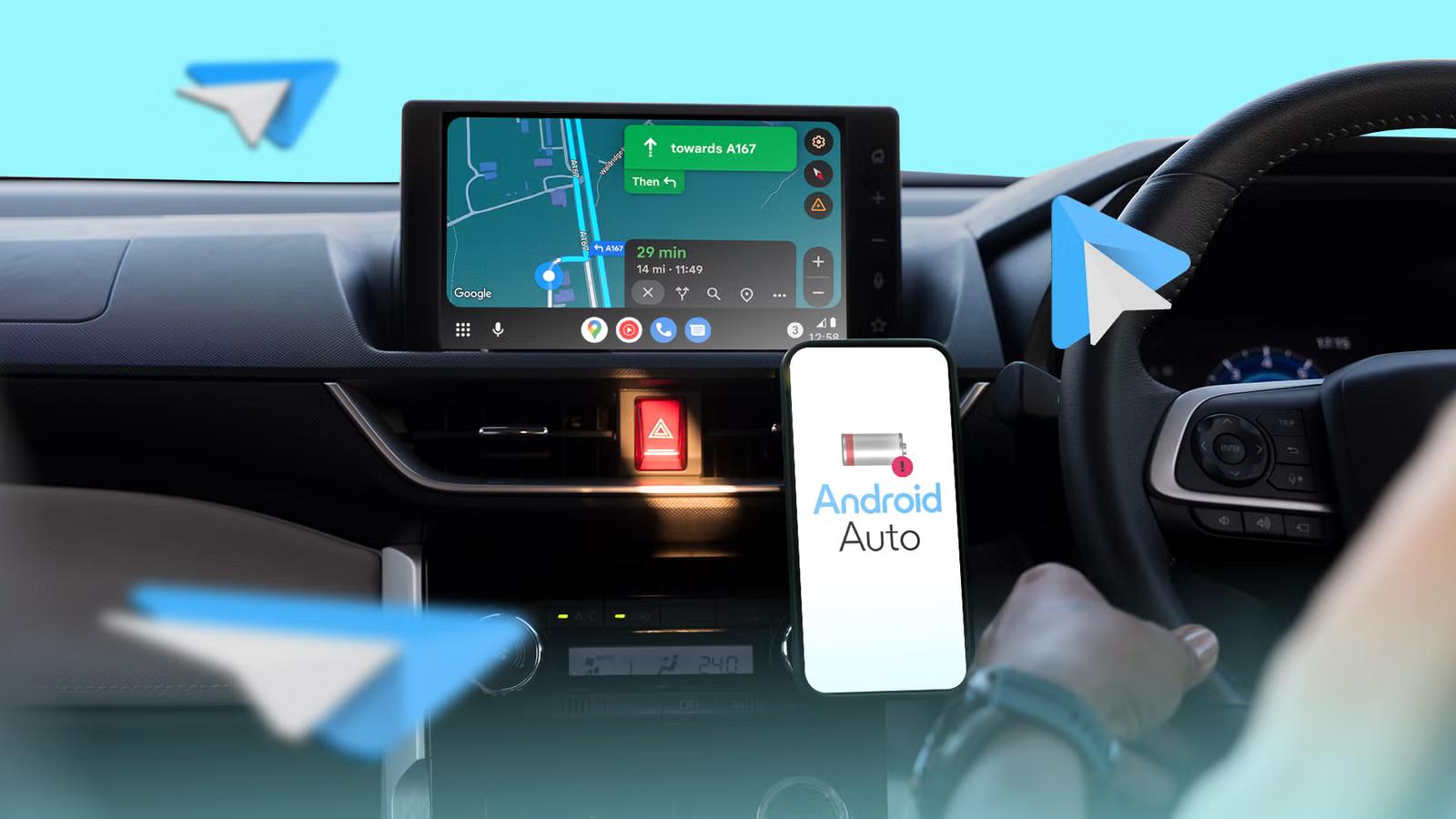
Wireless Android Auto is one of those features that is difficult to give up after you get used to it.
I can leave my phone in my pocket, start the car, and have navigation, music, messages, and calls automatically appear on the dashboard without plugging in a cable.
The convenience is fantastic, but there is one problem I cannot ignore. Whenever I used wireless Android Auto, my phone's battery seemed to drain much faster than normal.
On longer drives, the device often felt warm to the touch, and sometimes the battery percentage barely increased despite sitting on a charging mount the entire trip.
What I eventually discovered was not a complicated setting or a hidden bug. It was a simple combination of how the connection works and how my phone was handling heat and power in the background.
Fixing it turned out to be much easier than I expected.
A few tweaks made long road trips less chaotic
At first, I assumed the wireless connection between my phone and the car was responsible for most of the battery drain.
Technically, wireless Android Auto uses more power than a wired connection.
Your phone must maintain a wireless link to the car while simultaneously handling navigation, music streaming, calls, and notifications.
However, that alone didn't explain some of the behavior I was seeing.
The biggest clue was temperature. Whenever my phone became noticeably warm, the battery drain seemed to worsen.
Charging slowed, the device felt hotter, and the battery percentage often stagnated even while connected to power.
The more I looked into battery performance, the more often heat appeared as a recurring theme. When a phone gets too warm, it may reduce charging speeds or adjust performance to protect itself.
The turning point came when I reviewed my charging setup.
Like many people, I used a wireless charging mount in the car, which seemed like the perfect solution.
Wireless Android Auto and wireless charging meant I never had to touch a cable.
The phone was running navigation, streaming music, maintaining a wireless connection to the car, and charging wirelessly at the same time.
All of those activities generate heat to some degree, and wireless charging adds even more.
The result was a phone that often became much warmer than it ever did during normal use.
I expected the solution to involve modifying Android Auto settings, changing battery options, or restricting background processes.
Instead, the biggest improvement came from something much simpler: reducing heat. After I stopped letting the phone overheat in the car, the drain became much more predictable.
Moving it to a better-ventilated spot, avoiding direct sunlight on the dashboard, and not forcing it to charge while using wireless Android Auto all helped more than any setting change ever did.
Some of my friends intentionally mount their phones near AC vents for exactly this reason. The airflow helps offset some of the heat generated by navigation, charging, and wireless connectivity.
After I understood that heat was the real enemy, I started looking for other ways to reduce the workload on my phone.
One of the easiest changes was downloading content before leaving home.
Instead of streaming everything, I began downloading playlists, podcasts, and albums ahead of time. I also started downloading offline maps for areas I visit regularly.
Google Maps works perfectly online, but having offline maps available means the phone doesn't need to fetch every piece of map data over a cellular connection while I'm driving. It's also useful in areas with unreliable coverage.
As much as I enjoy wireless Android Auto, I eventually had to accept one reality.
A wired connection is usually more efficient.
When I plug my phone in with a USB cable, it generally stays cooler and charges more effectively than when it's simultaneously running wireless Android Auto and sitting on a wireless charging mount.
The phone still got warm, but not in the same uncontrolled way that was affecting battery life during wireless use.
That doesn't mean I've abandoned wireless Android Auto. The convenience is still worth it for most of my day-to-day driving.
But for long road trips or particularly hot days, I'll often switch to a cable. It's the easiest way to reduce heat and ensure my battery continues charging throughout the drive.
After endless cable swaps and resets, I found the real reason Android Auto kept disconnecting
Looking back, I spent a lot of time blaming wireless Android Auto for problems it wasn't entirely responsible for.
When I focused on keeping the phone cooler, using a better charging setup, downloading content in advance, and occasionally switching to a cable when it made sense, the experience improved significantly.
Saturday, June 27, 2026